Italic Text Generator result
Instant · No sign-up
Instant · No sign-up

This tool swaps ordinary letters for Unicode's mathematical italic set, giving you a genuinely slanted result that survives being pasted into plain-text fields where real italic formatting isn't available.
The Italic Text Generator rewrites your text using the italic set from the Unicode Mathematical Alphanumeric Symbols block, giving every letter a slanted, elegant look without touching any actual font settings. Since the slant comes from the character itself rather than an HTML style tag, the effect travels with the text wherever it is pasted, including bios, captions, comments, and chat windows that normally have no formatting options at all.
It is a quick way to add a softer, more editorial feel to a headline or bio line, especially when contrasted against the plain, upright text around it.
Unicode reserves a dedicated range of code points for an italic version of the Latin alphabet, separate from the regular letters on your keyboard. When you type a sentence into the box above, the generator maps each letter to its italic counterpart in that range and reassembles the sentence using those characters instead. The browser or app you paste into simply displays whichever glyph its font has assigned to that code point, and for nearly every common font, that glyph is drawn with a forward slant.
Because the underlying data is still individual Unicode characters, the slanted text can be selected, copied again, and pasted elsewhere without losing its style, unlike italics applied through a word processor's formatting toolbar.
Start typing or paste your text into the input field at the top of the page, and the italic version appears automatically underneath as you type, with no extra button to press. When the result looks right, tap the copy option to send it to your clipboard, then paste it into the bio, comment, or username field you have in mind. The related style links below the result make it easy to compare italic against bold, bold italic, or another look using the same text you already entered.
Italic Unicode letters render correctly on essentially every major platform that supports modern Unicode fonts, which today includes Instagram, TikTok, Discord, YouTube comments, Twitter/X, and most messaging apps on both phones and desktops. Because the italic set has been part of Unicode for a long time, compatibility issues are rare compared to some of the more decorative text styles on this site.
The main exceptions are older systems, some plain-text-only email clients, and platforms with unusually strict username filters, where an italic character might be blocked or shown as a placeholder box. A quick test paste before finalizing a username is always a safe habit.
The italic letters here live in the same Mathematical Alphanumeric Symbols block as the bold set, but as their own separate range of code points, meaning the generator is not applying a slant effect programmatically, it is simply picking a different, already-slanted character for each letter. This block distinguishes between italic serif letters and italic sans-serif letters, though this generator focuses on the classic serif-leaning italic shape most people recognize from everyday typography. A subtlety worth knowing is that the italic capital h in this block is deliberately drawn differently from a simple slanted regular h, a quirk left over from how mathematicians originally used it to distinguish specific variables in equations.
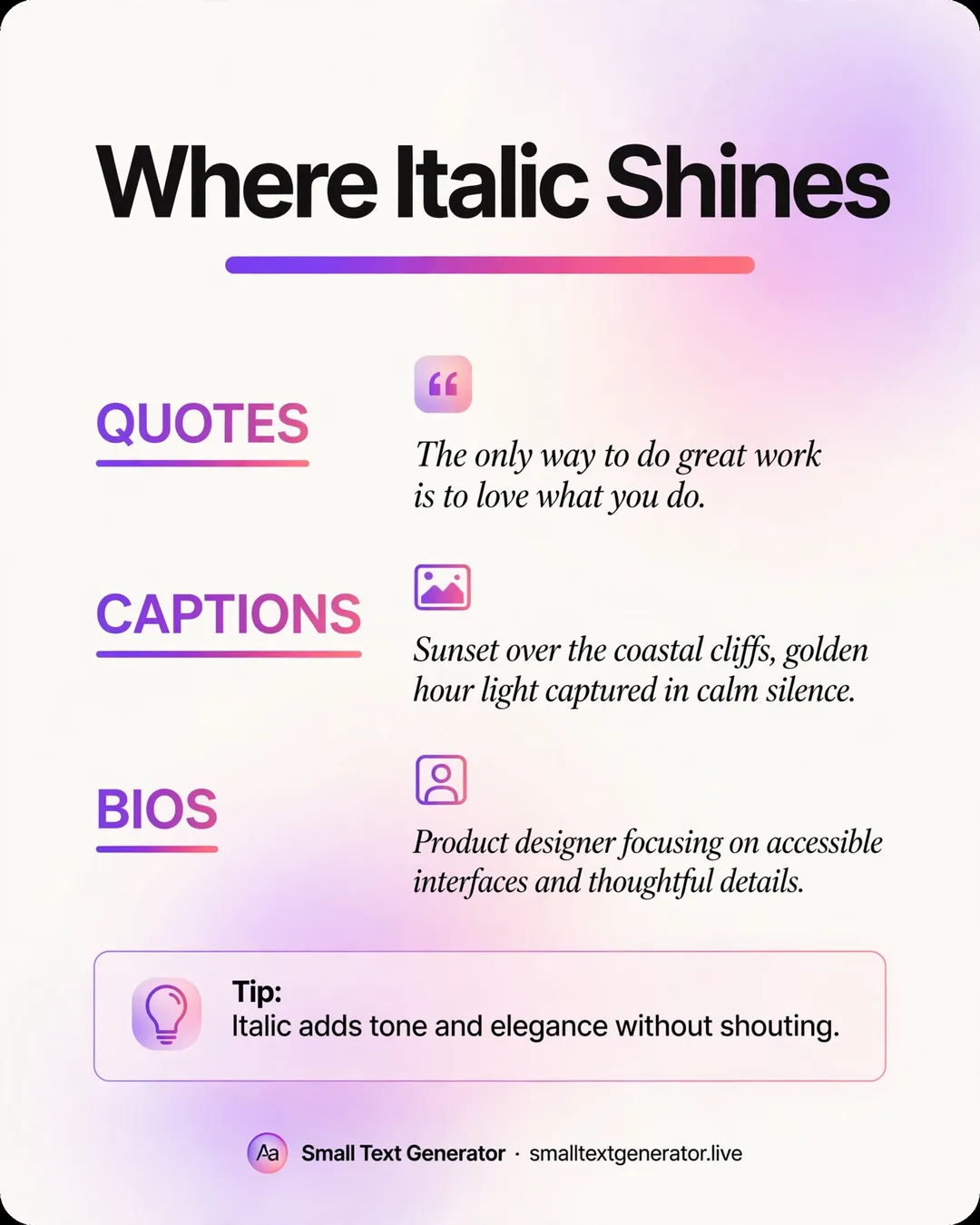
Writers often use italic Unicode text to signal a quote or a title within a caption on platforms that do not support real italic formatting, similar to how italics work in a printed book. It also shows up in bios as a soft-spoken subtitle beneath a bold name, creating a visual hierarchy using only plain text. Some people use it for a single emphasized word in the middle of an otherwise plain sentence, mimicking the emphasis a writer would give that word out loud.
Because italic Unicode characters are distinct symbols rather than a font-style attribute, screen readers read the underlying letter without necessarily conveying that it was meant to be emphasized, so anyone relying on an italic cue for meaning should not depend on this method alone for critical information. For real website content, standard HTML italic or emphasis tags remain the better choice for search engines and accessibility tools; this generator is best suited for casual, decorative use in bios and social captions.
Only the Latin letters have italic Unicode equivalents; numbers and most punctuation marks are left in their normal upright form because Unicode does not define italic versions of them. That is expected behavior, not a fault in the conversion. If your target platform has a character limit, remember that each italic letter still counts as a single character, the same as any other letter.
If the italic text appears correctly for you but oddly for someone else, it is almost certainly a font difference on their device rather than an issue with the copied text itself.
If you are planning to use italic text somewhere important, such as a permanent username, paste a short sample first and view it exactly as a follower or stranger would, ideally by opening the profile in a private or incognito browser tab. This helps rule out any confusion caused by your own device already caching an older version of the page, and it confirms the italic styling is coming through correctly before you commit to a longer or permanent piece of text.
Plain italic gives a light, slanted look that works well for subtle emphasis inside a longer bio. If you want that same slant with noticeably more visual weight, the Bold Italic Text Generator combines both effects into a single Unicode set, which tends to stand out more in a crowded feed or username list.
Italic Unicode text gives a subtle, editorial touch to a bio or caption without needing any special app permissions or formatting menus. Because the slant lives in the character itself, it survives copy and paste reliably almost everywhere, making it a dependable choice whenever a small amount of visual contrast is all you need. Pair it with bold or leave it standing alone; either way, it remains one of the gentler, easier-to-read decorative styles on this site.
Anywhere that accepts plain text, including Instagram, TikTok, Discord, Twitter/X, YouTube comments, and most messaging apps, since the italic look comes from the characters themselves.
Numbers and most punctuation stay in their normal form because Unicode does not include italic variants for them, so only the letters change style.
Yes, try the Bold Italic Text Generator, which applies both styles at once using a separate set of Unicode characters.