Monospace Text Generator result
Instant · No sign-up
Instant · No sign-up
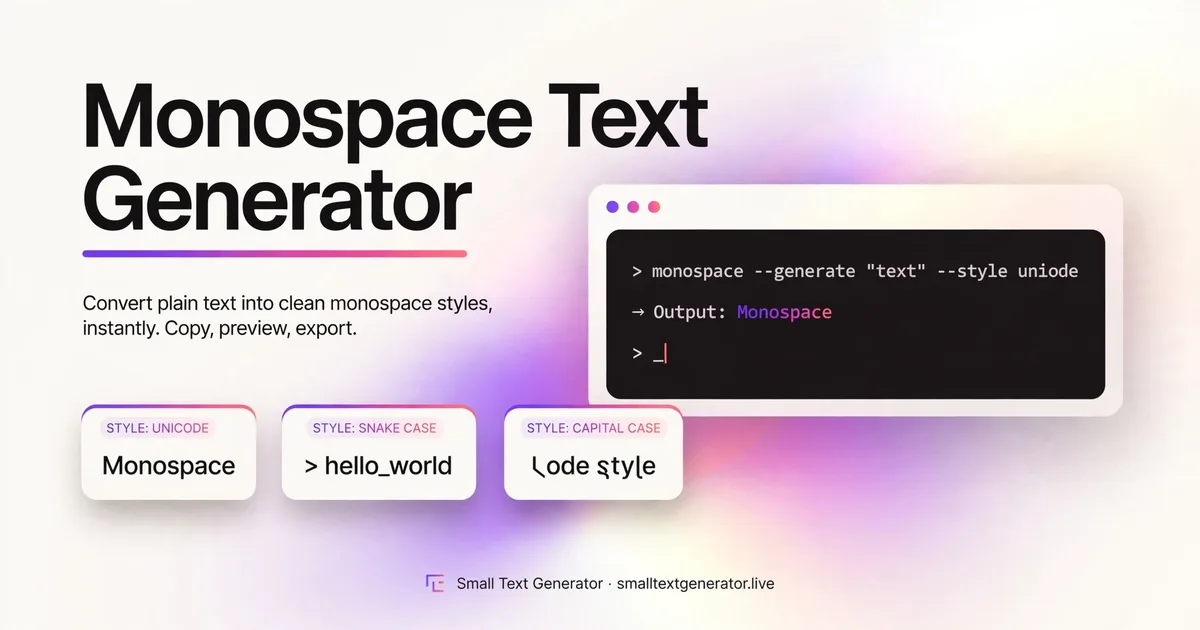
Monospace text gives every character equal width, the look associated with code editors and terminals. This tool converts ordinary text into Unicode's monospace character set so that look works outside of code blocks too.
The Monospace Text Generator converts your letters into a Unicode set where every character occupies the same fixed width, mimicking the look of code editors, terminals, and old typewriters. Because normal proportional fonts give a wide letter like m more space than a narrow one like i, monospace text stands out by treating every character identically, which creates a clean, technical rhythm across a line of text.
It is popular for captions with a coding or hacker aesthetic, and for keeping short blocks of plain text visually aligned in places that do not support real tables or formatting.

Unicode's Mathematical Alphanumeric Symbols block includes a dedicated monospace alphabet, where every letter and digit is drawn to occupy equal horizontal space regardless of its natural shape. The generator substitutes your typed characters with this monospace set, so the fixed-width look comes directly from the character glyphs themselves, without needing an actual monospace font installed on the device displaying it.
Because each character is still an individual Unicode symbol, the result remains ordinary text for copying, searching, and pasting, even though it visually resembles a code snippet.
Type your text into the input box, and the monospace version appears immediately underneath. Copy it and paste it into your caption, comment, or bio for a code-style look. If you want a different structured aesthetic instead, the related links let you try double-struck or sans-serif styles with the same input.
Monospace Unicode text displays correctly on Instagram, Discord, X, and most messaging apps, since the Mathematical Alphanumeric Symbols block has solid support across current system fonts. It is especially effective for short lines meant to look like code, terminal output, or a typewriter note, rather than long-form paragraphs.
Because this is not an actual monospace font applied by the app, exact column alignment can vary slightly between platforms depending on how each one renders the underlying Unicode characters, so it should not be relied on for precise technical alignment.
The monospace set inside the Mathematical Alphanumeric Symbols block was included specifically to let people represent code snippets and terminal output in plain-text environments that had no other way to signal fixed-width formatting, long before Markdown-style code blocks became a common feature of chat apps and forums. Even though most modern platforms now support real code formatting, this Unicode-based approach remains useful in the many plain-text corners of the internet, such as bios and comment sections, where no such formatting option exists.
Developers and tech-focused creators often use monospace styling in a bio or post to visually signal a coding or technical identity at a glance. It is also used to stylize a short command-like phrase or username, echoing the look of a terminal prompt for a subtly technical aesthetic. Some people use it purely for its clean, blocky rhythm as a design choice in a caption, independent of any actual coding context.
Screen readers read monospace Unicode characters as their standard letters, so the underlying meaning comes through even without conveying the fixed-width visual effect, making this one of the more accessible decorative styles here. It is worth repeating that these characters are not truly interchangeable with real code, passwords, or any value that needs to match exactly, since they are different Unicode code points from standard letters despite the visual resemblance.
This style should not be used for anything that needs to match an original value exactly, such as a real password or code, since the visual characters are different Unicode symbols from the standard letters, even though they look similar. Numbers and most punctuation do have monospace equivalents and convert along with your letters for a consistent look.
If spacing looks slightly uneven across two devices, that is a font rendering difference rather than an issue with the generated text.
If you are using monospace text to imitate a code snippet or terminal look, test it inside the actual caption or bio alongside any real punctuation you plan to use, such as brackets or slashes, to confirm the whole line still reads as intentional rather than accidental. Viewing the finished phrase in context, rather than alone, is the best way to judge whether the effect lands the way you pictured it.
Monospace text emphasizes equal character width for a code or typewriter feel, while the Sans-Serif Text Generator focuses on clean, modern letterforms without matching every character's width. Choose monospace for a technical aesthetic and sans-serif for a simple, minimalist one.
Monospace text is a small nod to code and terminal culture that works surprisingly well as a decorative caption style too. Its evenly spaced letterforms give plain text a technical, deliberate rhythm, and because it is real Unicode rather than an installed font, that look travels with the text wherever you paste it.
It gives every character equal width, which is useful for a code or typewriter look in captions, or for keeping columns of text aligned in plain-text posts.
It looks similar visually, but it is still just styled Unicode characters, not an actual monospaced font applied by the app you paste it into.
You can, since it visually sets the text apart, but the underlying characters are different from the originals, so do not use it for anything that needs to match exactly, like real passwords.