Bold Text Generator result
Instant · No sign-up
Instant · No sign-up

This tool swaps your normal letters for the Mathematical Bold set built into Unicode, so the result looks bold everywhere it's pasted — not just in apps that support rich text formatting. Type below and the bold version appears immediately on the right.
The Bold Text Generator does not apply a font style the way a word processor does. Instead, it swaps every letter and number you type for a matching character from the Mathematical Alphanumeric Symbols block inside the Unicode standard, a set of characters originally designed for math notation that happens to look bold and heavy on screen. Because the result is made of ordinary Unicode characters rather than HTML formatting, it survives copy and paste into places that strip out bold tags, such as bios, usernames, comments, and chat messages.
This is why the tool has become popular for social media profiles, gaming names, and product listings: it gives you a bold, attention-grabbing look in exactly the plain-text fields where real bold formatting is normally unavailable.
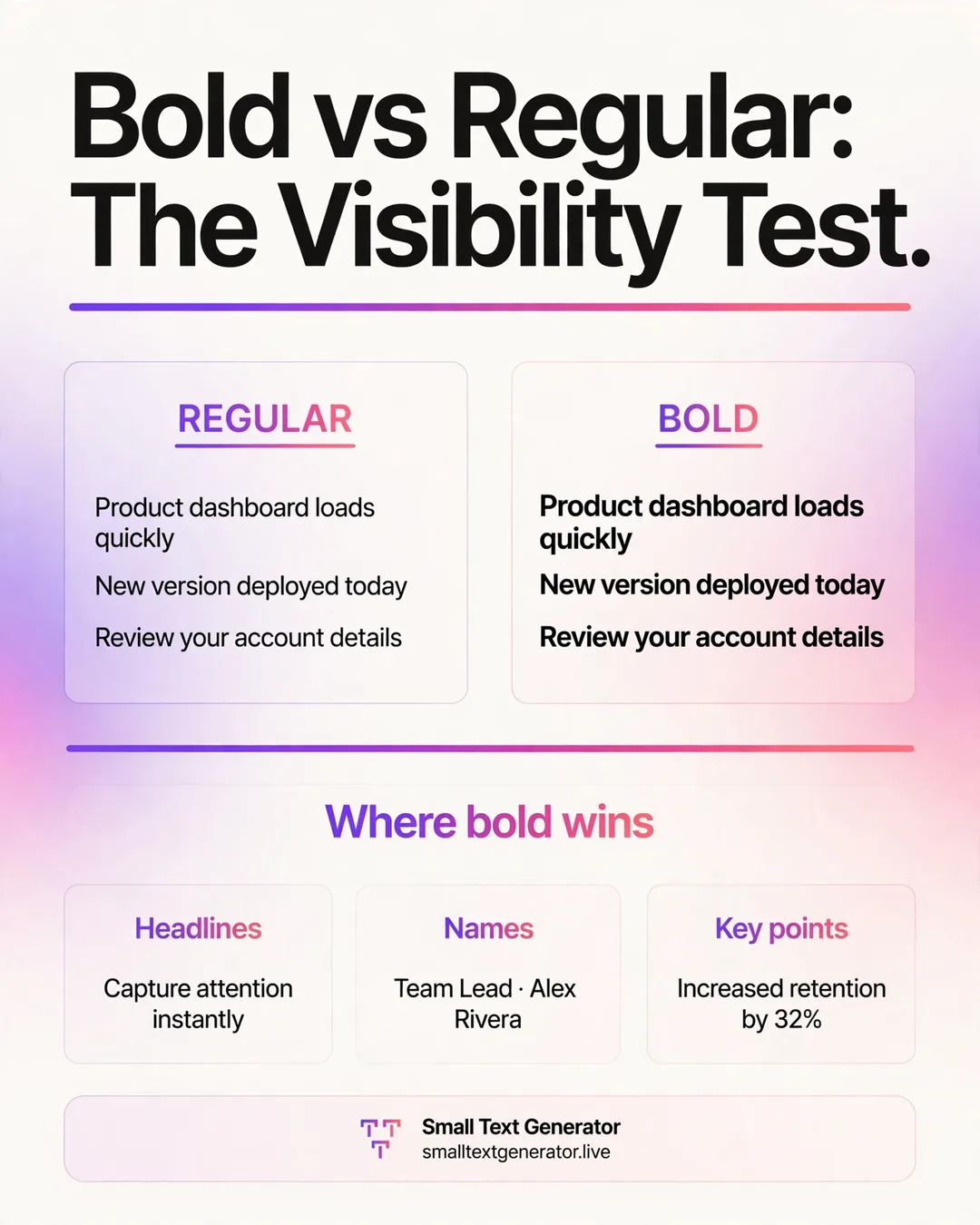
Unicode assigns a unique number, called a code point, to every character a computer can display. Alongside the plain letters you type on a keyboard, Unicode also defines several complete alphabets that are visually styled, including a bold serif set and a bold sans-serif set. When you type into the box above, the generator looks up each letter you typed and replaces it with the corresponding character from one of these bold alphabets. Your device does not know or care that the character started life as a math symbol; it just renders whatever glyph the font has for that code point, and for most modern system fonts that glyph looks distinctly bold.
Because every bold letter is still a real, individually addressable character, the text can be selected, copied, searched, and pasted exactly like normal text, even though it displays with extra weight.
Type or paste your sentence into the input box at the top of the page. The converted result appears immediately below it, so there is no need to press a submit button or wait for a page reload. Once you are happy with the result, use the copy button to place the styled text on your clipboard, then paste it into the bio, caption, username, or message field where you want it to appear. If you want to try a different look instead, the shortcut links under the result let you jump straight to a related style without retyping your text.
Bold Unicode text displays correctly on the vast majority of modern platforms, including Instagram, TikTok, X, Facebook, Discord, YouTube, and most messaging apps, because they all rely on system or web fonts with broad Unicode coverage. It is a reliable way to make a headline, a key phrase in a bio, or a username stand out in a feed made up mostly of plain text.
A handful of older or more restrictive systems are the exception. Some legacy form fields, certain plain-text email clients, and a few games with strict username filters may reject these characters outright or display a small blank box in place of a letter that is not supported. It is worth pasting a short test into a brand-new field before committing an entire username or listing title to the bold style.
The bold set used here comes from the Mathematical Alphanumeric Symbols block, added to Unicode in 2003 mainly so mathematicians could write bold variables in plain text emails and forum posts without needing formatted documents. It quietly sat unused by most people for years until social media bios created a new, very different demand for the same characters. The block actually contains several weights and styles bundled together, including a separate bold sans-serif set, which is why this site can offer both a classic bold look and a more modern bold option from what is technically one shared region of the Unicode standard.
A common use is opening an Instagram or TikTok bio with one bold line that states a profession or tagline, letting it visually anchor the rest of the plain-text bio underneath. Sellers on marketplace apps often bold the first few words of a listing title so it catches the eye while scrolling a long results page. Gamers frequently bold a clan tag or nickname prefix so it stands out in a crowded lobby list without needing any in-game formatting support. Because the effect is just text, all three uses work with a simple copy and paste, no screenshots or graphics involved.
Screen readers generally announce these characters as their base letters, though pronunciation can occasionally sound slightly off since the software is technically reading a math symbol rather than a standard letter. For that reason, bold Unicode text is best kept to short decorative phrases such as a name or short tagline rather than replacing entire paragraphs of important content, and it should never be used as a substitute for a real HTML heading tag on a website, since search engines treat it as a string of symbols rather than semantic emphasis.
Bold Unicode letters currently cover the full uppercase and lowercase Latin alphabet along with the digits zero through nine, but they do not extend to every punctuation mark or accented letter, so a stray character here or there may stay in its normal weight. This is expected and not a bug in the generator. If you plan to use bold text in a place with a strict character limit, keep in mind these are still single characters and count the same as normal letters toward that limit.
If bold text ever looks correct on your own device but not on someone else's, the difference almost always comes down to the font installed on their system rather than anything wrong with the text itself.
Before locking in a bold username or headline, try pasting the converted text into the exact field you plan to use, such as the Instagram name field rather than the bio field, since different fields on the same app can occasionally handle special characters differently. If it displays correctly there, it will almost certainly display correctly for anyone viewing your profile, regardless of their own device or font settings, since Unicode rendering depends on the viewer's system rather than yours.
The plain Bold Text Generator gives you upright, heavy characters, which reads as strong and direct. If you want that same weight combined with a slanted, more expressive feel, the Bold Italic Text Generator applies a separate Unicode set that merges both styles into one character, which many people prefer for a signature-style bio line rather than a short, punchy username.
Bold text remains one of the simplest, most reliable ways to add visual weight to a name, headline, or caption anywhere plain text is all a platform allows. It costs nothing, requires no account or software, and works the moment you copy and paste it, which is exactly why it has stayed useful even as social platforms have added more built-in formatting options over the years. Keep it for short, deliberate moments rather than long paragraphs, and it will keep doing its job well.
Yes. Because the output uses special Unicode bold characters instead of HTML formatting, it displays as bold in Instagram, Twitter/X, Facebook, TikTok, and most other apps that only accept plain text.
Each app renders Unicode characters using its own font, so the exact weight and spacing can vary slightly between platforms even though the character codes stay the same.
Yes, the characters are still valid Unicode letters and are readable by screen readers and crawlers, though they are treated as symbols rather than semantic HTML bold tags for accessibility purposes.