Small Caps Generator result
Instant · No sign-up
Instant · No sign-up
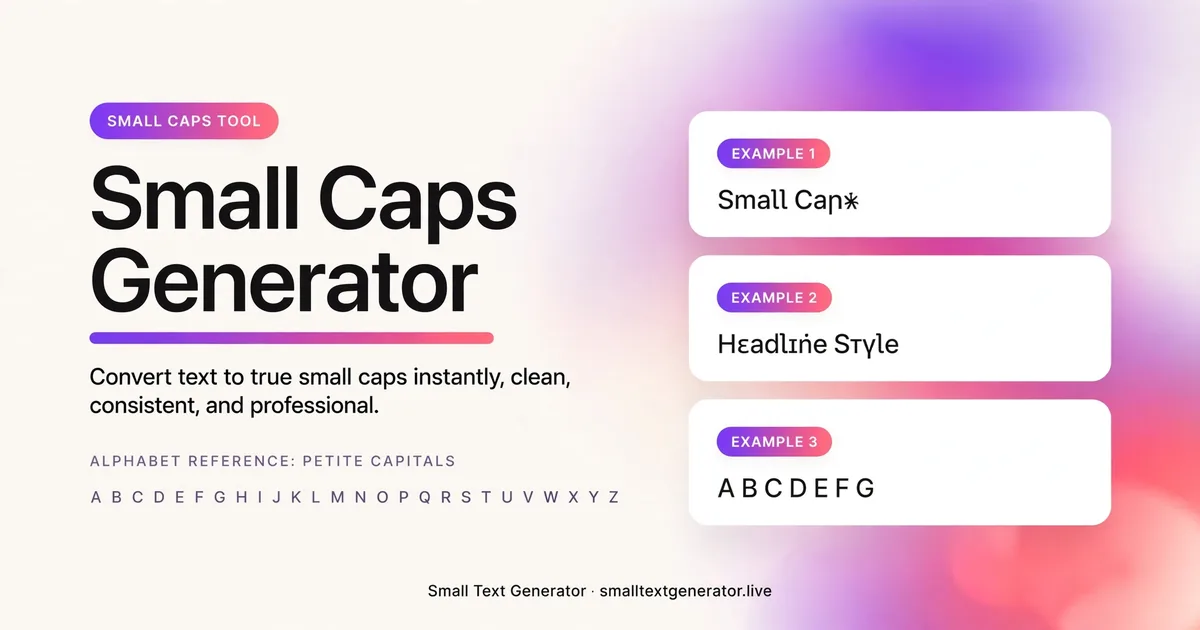
Small caps letters look like capital letters set at a reduced height — a style long used in print typography to make long stretches of text easier on the eye than full capitals. This tool converts your input into the small caps characters Unicode provides, ready to paste anywhere.
The Small Caps Generator rewrites your lowercase letters as miniature capital-style Unicode characters, giving text a neat, formal look that sits between plain lowercase and full uppercase. Typographers have used small caps for centuries in print, and this tool brings the same effect to places where you cannot select a font or apply real small-caps formatting, such as a social bio, a username, or a comment field.
Because every character comes from Unicode rather than a CSS font-variant setting, the small caps look survives copy and paste into apps that strip out styling, which is exactly where this generator earns its usefulness.
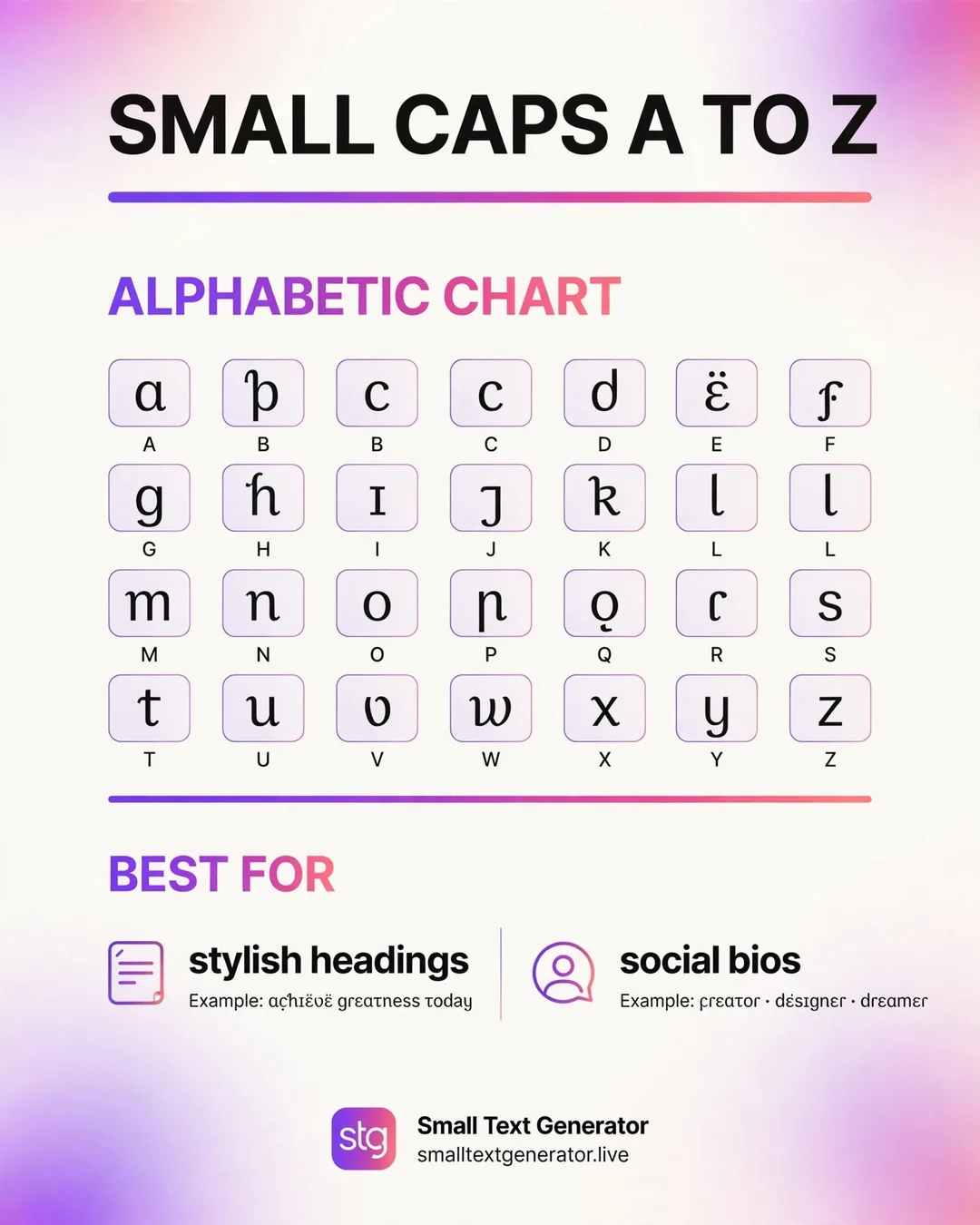
Unicode includes a range of Latin letters that were designed to look like capital letters shrunk down to roughly the height of a lowercase x, originally intended for phonetic and linguistic notation. The generator takes each letter you type and substitutes it with the matching small-capital character from that range, while leaving digits and most punctuation untouched since Unicode does not define small-caps versions of them. The output is still ordinary text under the hood, just built from a different set of letter shapes.
Because the substitution happens character by character, mixed-case input is handled gracefully: both uppercase and lowercase letters you type are converted to the same small-capital shape, giving a consistent look regardless of how you originally typed your text.
Type your username, bio line, or caption into the input box, and the small caps version appears immediately below it. Copy the result with the button provided and paste it wherever you want the effect to show, whether that is an Instagram name, a Discord nickname, or a header line in a longer bio. If small caps is not quite the tone you are after, the related generator links let you try upside down, superscript, or cursive styles with the same text.
Small caps renders reliably across Instagram, TikTok, X, Discord, YouTube, and most modern messaging apps, all of which support the broad Unicode ranges this style relies on. It is particularly well suited to section headers within a longer bio, subtle username styling, or captions that want a refined, understated look rather than something loud or decorative.
A few strict username filters or older systems may not render every small-capital character, occasionally falling back to a plain box, so it is worth pasting a short sample into a brand-new platform before relying on it for something important like a permanent display name.
Small capital letters are technically part of Unicode's Phonetic Extensions block, originally created to help linguists transcribe the sounds of spoken language with precision rather than to serve as a decorative font style. That original purpose is why coverage is a little uneven: a few letters used rarely in transcription work were not prioritized in the same way as common ones, though the practical effect for everyday English text is minor. This history also explains why small caps looks so consistent across devices compared to some newer decorative styles, since linguistic Unicode blocks tend to receive careful, long-term font support.
Small caps works well as a section label inside a longer bio, for example marking separate lines for a job title, a location, and a website link with a consistent, tidy heading style. Businesses sometimes use it for a clean-looking display name that still reads clearly at a glance, avoiding the more playful or chaotic look of some other Unicode styles on this site. It also suits a subtitle placed directly beneath a bold main username, creating a simple two-tier hierarchy using nothing but plain text.
Screen readers typically read small capital letters as their normal lowercase equivalents, so the meaning of the text is preserved even if the visual styling is lost, which makes small caps one of the more accessibility-friendly decorative styles on this site. That said, for real webpage headings or important structured content, standard CSS small-caps styling or semantic HTML remains the more reliable and search-engine-friendly choice compared to swapping in Unicode characters directly.
Since Unicode does not provide small-capital versions of digits or most symbols, any numbers or punctuation in your text will remain in their normal size, which can create a slightly uneven look if your text mixes letters and numbers heavily. This is a property of the character set, not an error in the generator. Each small-capital letter still counts as a single character for any platform's length limits.
If small caps text displays fine on your device but oddly for a friend, the difference is almost always the font each device uses to render Unicode, rather than a problem with the text you copied.
Small caps tends to read well even at a glance, but it is still worth pasting a longer sample of your intended text to confirm punctuation and any numbers you plan to include still look balanced next to the small capital letters. If your text mixes many numbers with letters, previewing the full phrase first will help you decide whether the slightly uneven sizing bothers you before you commit to it as a permanent username or header.
Small caps keeps your words easy to read while giving them a tidy, formal edge, which makes it a good fit for section headers or professional-sounding usernames. Upside Down Text, by contrast, deliberately makes the text harder to read at a glance for a playful or attention-grabbing effect, so the two styles suit fairly different moods.
Small caps offers one of the tidiest, most readable decorative options on this site, making it a strong pick whenever a formal or organized feel matters more than standing out loudly. Because it preserves the underlying letters so cleanly, it also tends to age well as a permanent username choice, staying legible and professional-looking long after flashier styles might start to feel dated.
It is popular for usernames, bio headers, and captions that need a refined, formal look without changing the actual letters being used.
Yes, small caps characters are sized to match the height of lowercase letters, giving text a more balanced and elegant appearance than full capitals.
You can paste it into most text fields, but since it relies on special Unicode characters, some strict PDF or print tools may not render every character correctly.