Invisible Text Generator result
Instant · No sign-up
Instant · No sign-up

This tool converts your input into invisible Unicode characters — visually blank, but not actually empty, which lets you get past fields that reject a truly empty submission.
The Invisible Text Generator converts whatever you type into zero-width and other invisible Unicode characters, producing a result that counts as real text to most systems while displaying nothing visible on screen. It exists to solve a very specific, common annoyance: fields that refuse to accept a truly empty submission, such as a blank bio, a blank display name, or a blank message, even when that is exactly the look you want.
Because the output still technically contains characters, it satisfies a required-field check while appearing completely blank to anyone viewing it.
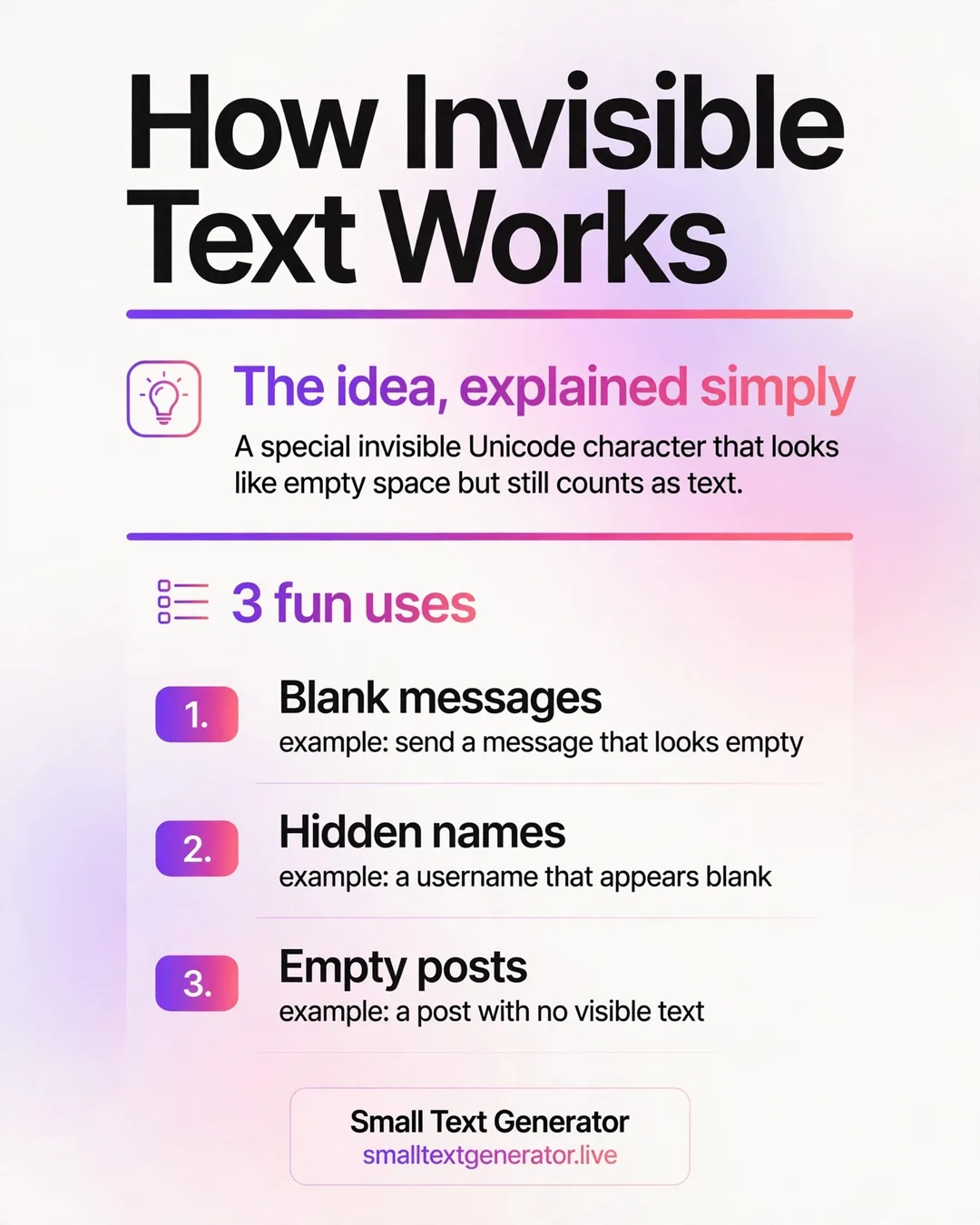
Unicode includes a handful of characters specifically defined to take up no visible space, such as the zero-width space and related invisible separators, originally intended for controlling text layout and word-breaking in complex scripts rather than for hiding content. The generator converts your input into a sequence built from these invisible characters, which most systems treat as valid, non-empty text content, even though there is nothing for a human eye to see.
Because the characters are real and present in the string, form validation logic that simply checks whether a field is empty will typically consider it filled in, even though the rendered result looks blank.
Click into the input box, or paste any placeholder text, and the invisible result is generated automatically and shown in the result panel below, ready to copy. Use the copy button to place it on your clipboard, then paste it into the bio, name, or message field that was rejecting an empty entry. If invisible text does not work on a particular platform, the related style links let you try tiny text instead, which is visible but extremely small.
Invisible text is widely accepted in Instagram bios and names, many chat apps, and various games including Discord nicknames, since these platforms generally accept a broad range of Unicode input without deep validation of individual characters. It is the go-to solution whenever a platform demands non-empty text but you want the visual result to look blank.
Platforms do periodically tighten their filters, and it is not guaranteed to work everywhere forever, so if one invisible character stops working, trying an alternative from the generator or switching platforms entirely is a reasonable next step.
The specific character most commonly used for invisible text, the zero-width space, was added to Unicode primarily to help text-layout engines know where a line could break in languages like Thai that do not use spaces between words the way English does, which is a world away from its modern use for sneaking past empty-field validation. Other genuinely invisible or near-invisible characters exist too, including zero-width joiners and certain formatting control characters, and different generators sometimes favor different ones depending on which characters a given platform is more or less likely to filter at any given time.
The most common use is filling a bio or display name field that a platform insists cannot be left truly empty, when a blank look is exactly the aesthetic someone wants. It is also used to create a blank-looking spacer line inside a longer bio, visually separating two sections without needing a visible character to do it. Some people use a short invisible string as a subtle, low-key personal marker inside a username that looks empty but is technically unique and non-empty in the system's eyes.
Because these characters render no visible content, screen readers typically skip over them silently or occasionally announce them as unnamed or blank, which is generally harmless in a bio field but is exactly why this technique should never be used inside content that is meant to be read or understood, such as body text on a webpage or an important label. Platforms also update their filtering rules over time specifically to catch invisible-character workarounds, so reliability can shift without warning.
Some fonts or apps render unsupported invisible characters as a small placeholder box or dot instead of hiding them completely, which depends on the specific character chosen and the platform displaying it, not a flaw in the generator itself. If that happens, trying the result again or pasting into a different field sometimes resolves it, since different fields can validate differently even on the same platform.
Because the text is invisible by design, it can be easy to accidentally paste it in the wrong place without noticing, so it helps to keep track of where you have used it.
Because platform behavior can change, test invisible text in a low-stakes field first, such as a draft post you have not published yet, rather than immediately applying it to your main display name, to confirm the specific platform you are using currently accepts it. If a field rejects it or shows an error, trying tiny text instead, or a different invisible character from a fresh generation, is a reasonable next step.
Invisible text is completely blank, ideal for bypassing empty-field restrictions. Tiny Text Generator instead produces extremely small but still visible characters, which is a better fit when you want a subtle, whisper-like accent rather than something entirely hidden from view.
Invisible text solves a small but genuinely annoying problem, empty fields that refuse to stay empty, and it does so with a clever, harmless bit of Unicode. Because platform rules can shift over time, keep an alternative style like tiny text in mind as a backup if a particular invisible character ever stops working somewhere you rely on it.
The generator inserts invisible Unicode characters, such as zero-width spaces, that count as valid text to most systems while displaying nothing visible on screen.
In many cases yes, since Instagram and similar apps accept the invisible character as text, though platforms occasionally update their filters and may block certain characters.
Some fonts or apps render unsupported invisible characters as a placeholder symbol instead of hiding them, which depends on the specific character and the platform used.