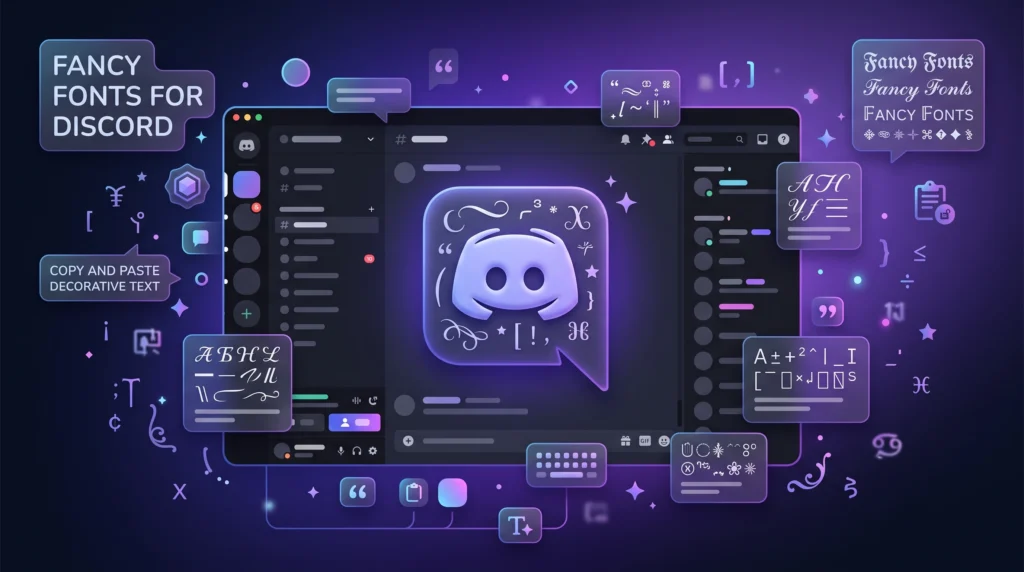
Discord’s settings menu is pretty barebones when it comes to personalization there’s no font picker anywhere in there. And yet you’ll still run into usernames in gothic script, bold outlined text, or delicate cursive scattered through pretty much every server you’re in. So what’s actually going on?
Same trick as everywhere else on the internet, really: it’s not a font, it’s Unicode. Certain characters just happen to look like different fonts, and because they’re plain text underneath, they paste into any name field exactly like normal letters would.
How to Actually Change Your Discord Name
- Type your name into the Fancy Text Generator.
- Scroll through the style options bold, italic, gothic/blackletter, cursive/script, double-struck, and a handful of others.
- Copy whichever one fits the vibe you’re going for.
- In Discord, head to User Settings > Profiles to change your global display name, or right-click a specific server and pick Change Nickname if you only want the fancy version to show up there.
If you happen to own a server, the same trick works on the server name itself that lives under Server Settings > Overview.
Which Styles Actually Get Used Most
There’s no objectively “best” one, it really depends on the server and the mood you’re after, but a few show up constantly:
- Bold clean, easy to actually read, and good for standing out in a busy member list without looking gimmicky.
- Gothic/blackletter dramatic and a little intense, which is exactly why it’s popular in gaming servers and darker aesthetic communities.
- Cursive/script softer and more personal-feeling, common on individual profiles rather than server names.
- Double-struck (outline) that hollow, comic-book-lettering look, which oddly enough shows up a lot in math and puzzle-focused communities as well as purely aesthetic ones.
- Small caps subtle enough to use on role tags or shorter nicknames without it feeling over the top.
If you’re not sure where to start, bold is the safest bet it reads clearly at every size Discord displays names at, which not every style manages.
A Few Discord-Specific Things to Watch For
This is where fancy Discord names get a little more fiddly than, say, an Instagram bio, so it’s worth knowing the quirks before you commit to one.
Character limits don’t care that the letters look fancy. Discord’s nickname cap sits at 32 characters, and it counts every Unicode character individually a fancy version of your name takes up exactly the same “space” as the plain version. Don’t expect any wiggle room just because the letters look different.
Not every style supports numbers or full punctuation. This is the same Unicode coverage gap you’ll run into with small text plenty of the fancy alphabet blocks were built with only the 26 letters in mind, and numbers or symbols either fall back to plain text or get swapped for the closest available match. If your name is something like “Player_47,” expect the number to look a little out of place next to fancy-styled letters.
Search can get a little weird. Because you’re technically typing different characters than the plain alphabet not just a styled version of the same letters someone searching Discord for your exact plain-text name might not find you right away. In practice Discord’s search does some normalization and usually finds fancy-font names anyway, but it’s not guaranteed across every case, especially with the more obscure Unicode blocks.
Moderators can still read it fine. Worth mentioning since it comes up: fancy Unicode text isn’t obscured or hidden from anyone, including mods and bots. It displays and gets logged exactly the same as normal text, just with different-looking characters.
Building a Whole Aesthetic, Not Just a Name
If you’re setting up an aesthetic server or just want your whole profile to feel cohesive, fancy fonts pair naturally with a couple of other tricks:
- Bubble Text Generator circled letters that read as more playful and less “serious,” a nice contrast if your server name is already bold or gothic.
- Superscript Generator tiny raised text, good for a subtitle line under your main name in a bio-style channel.
- Small Text Generator a more minimal, understated option if the loud fancy fonts aren’t really your server’s tone.
A lot of the more put-together Discord profiles you see are actually combining two or three of these a fancy display name with a small-text subtitle somewhere in a status or “about me” field, for example.
FAQ
Will Discord ban me for using fancy fonts in my name? No. These are just standard Unicode characters not scripts, not mods, not anything close to violating Discord’s terms. It’s an extremely common, completely normal thing to do, and Discord itself doesn’t distinguish between “fancy” and “plain” text in any policy sense.
Why does my fancy name look broken or show boxes on some people’s screens? That happens when the device rendering your name is running a font that doesn’t include the particular Unicode characters you used. It’s genuinely rare on modern phones and desktops, which ship with broad font coverage, but it can still happen on older hardware or minimal system fonts.
Can I use fancy fonts in Discord channel names, not just my own nickname? Some styles will work, but Discord is stricter about channel names than nicknames it often forces lowercase and restricts which symbols and characters are allowed, so results vary a lot depending on which fancy style you try. Nicknames and display names are much more permissive.
Do fancy fonts affect how my name gets pinged or mentioned? No mentions and pings are tied to your Discord account ID behind the scenes, not the visual characters in your display name. You can change your fancy name as often as you like without breaking existing mentions or role assignments.