Underline Text Generator result
Instant · No sign-up
Instant · No sign-up

This tool underlines text using a Unicode combining character attached to each letter, so the underline works in plain-text fields that don't offer real underline formatting.
The Underline Text Generator adds a continuous line beneath your text using a Unicode combining character rather than HTML underline formatting, which means the underlined look survives in bios, chat messages, and comment sections that have no formatting tools at all. Every letter you type is followed invisibly by a special mark that most fonts render as a line running directly beneath the character in front of it.
Because the underline comes from the text itself, it travels with the words wherever they are copied and pasted, unlike an HTML underline tag that would be stripped out the moment it leaves a rich text editor.
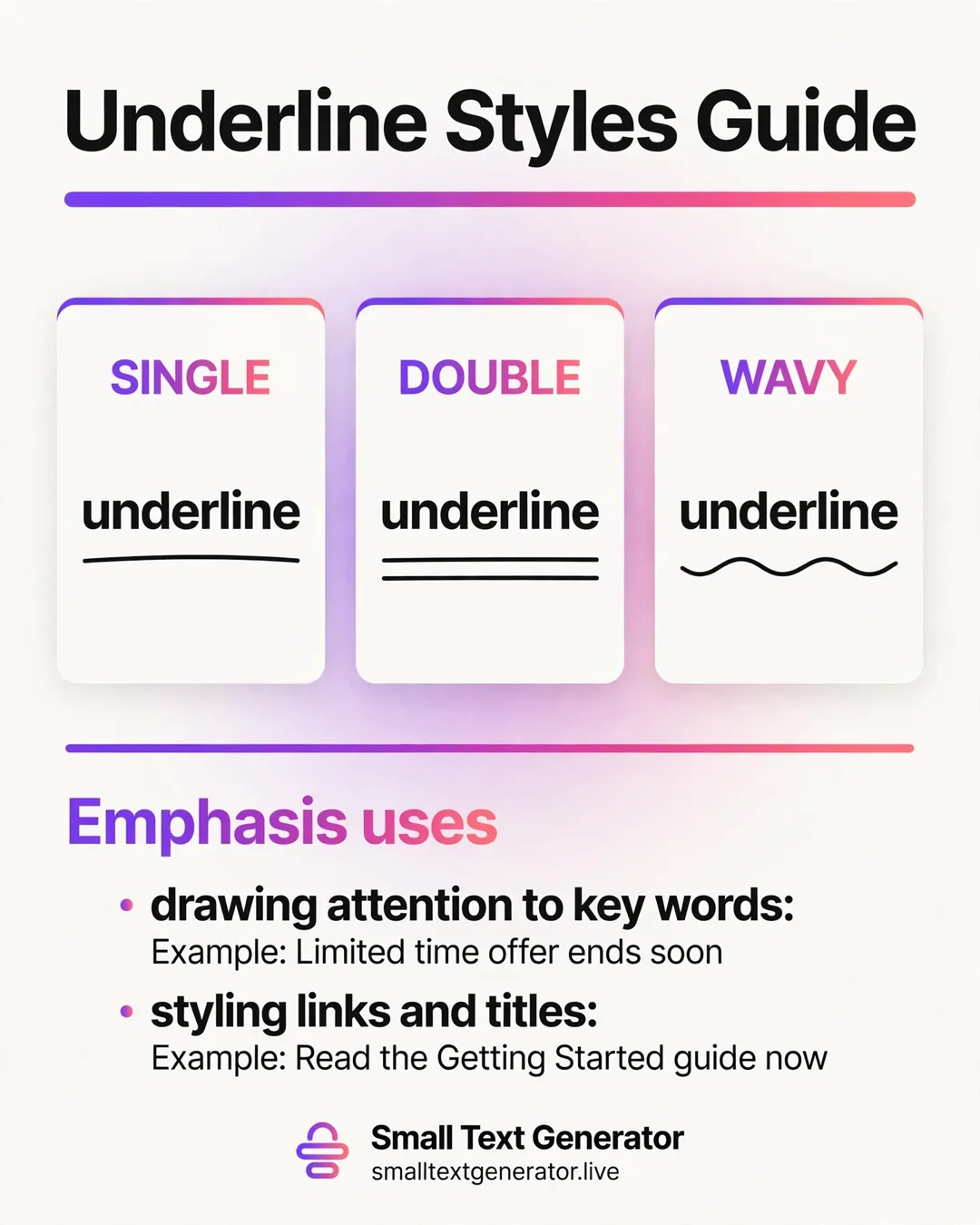
Unicode defines a category of characters called combining marks, which are designed to attach visually to the character immediately before them rather than standing on their own. One of these, the combining low line, draws a horizontal stroke directly under whatever letter precedes it. The generator inserts this combining mark after every character in your input, including spaces, so the line appears to run continuously beneath the whole phrase rather than stopping and starting between letters.
Because each combining mark is a distinct, separate character glued to the letter before it, the underlined text is really a sequence of two-character pairs repeated across your whole sentence, all of which still copy, paste, and select as a single flowing line of text.
Type or paste your text into the box at the top of the page, and the underlined version appears right away underneath it. Tap the copy button to place it on your clipboard, then paste it into the bio, caption, or message where you want the underline to show. If you are experimenting with different emphasis styles, the related links below let you try strikethrough or bold on the same text without starting over.
This style displays correctly in Instagram bios and comments, Twitter/X posts, Discord messages, and most modern chat apps, since combining characters have been part of Unicode for a long time and are broadly supported by current fonts. It works especially well for underlining a single key phrase or link-style call to action inside a bio that otherwise has no way to apply real formatting.
On older devices, in some plain-text email clients, or in longer passages of text, the underline can occasionally look slightly uneven or gapped, since spacing between combining marks depends on the font rendering them rather than the text itself.
The combining low line used for underlining is part of Unicode's Combining Diacritical Marks block, the same general family of characters used for accents like an acute or grave mark above a letter, just repurposed here to sit below instead. Combining marks were designed from the start to be paired with a preceding base character, which is exactly the mechanism this generator relies on, rather than any special underline-specific feature being added to Unicode. Because the block is decades old and used constantly for accented languages worldwide, font support for the underline mark itself is excellent, even though visual alignment between different letter shapes can vary slightly.
A frequent use is underlining a single important word or phrase inside an Instagram bio, such as a call to action like a link reminder, since there is no other way to add emphasis in that field. Some people underline their entire display name for a clean, formal signature-style look. It is also used to fake a clickable-looking link inside a caption, drawing the eye the way a real hyperlink would, even though it is not functionally clickable.
Because the underline is a separate combining character rather than a style property, screen readers typically skip announcing it as emphasis and just read the letters underneath normally, which means the underline should be treated as a visual nicety rather than a way to convey required meaning. On an actual website, native HTML underline or text-decoration styling is a better structural choice for both accessibility and search engines than pasting in combining-character text.
Because the underline is added after every character including spaces, very long sentences may render slightly slower or look less crisp on lower-powered devices, simply due to the number of extra combining characters involved. Each underlined letter and its combining mark typically count as more than one character toward a platform's limit, so keep that in mind if you are working within a strict cap.
If the line looks slightly broken on someone else's screen, it is almost always a font rendering difference rather than an issue with the copied text itself.
Underlined text can look slightly different depending on whether spaces are included in the phrase, so it is worth testing a full sentence rather than just a single word before deciding how you want to use it. Pasting the result into the actual app you intend to use, rather than just viewing it in this browser tab, is the most reliable way to confirm the line renders smoothly all the way across your intended phrase.
Underline draws attention to text you want to emphasize or highlight, while the Strikethrough Text Generator does the opposite, visually crossing text out as if to mark it removed or outdated. Both use the same combining-character approach, just with a different mark placed relative to each letter.
Underline text fills a real gap left by plain-text platforms that never gave users a way to emphasize a single word or phrase. Used sparingly, on a single key phrase rather than an entire caption, it draws the eye exactly where you want it without requiring any special app features. That simplicity is why it remains a small but genuinely useful trick years after combining characters were first discovered for this purpose.
It works by placing an invisible combining underline character after every letter, which most fonts render as a continuous line beneath the text.
Spacing can vary because different fonts and apps position combining characters slightly differently, which is a limitation of how Unicode combining marks are rendered rather than an error in the text itself.
Yes, the generator adds the underline mark to spaces as well, so the line can run continuously under a full sentence.