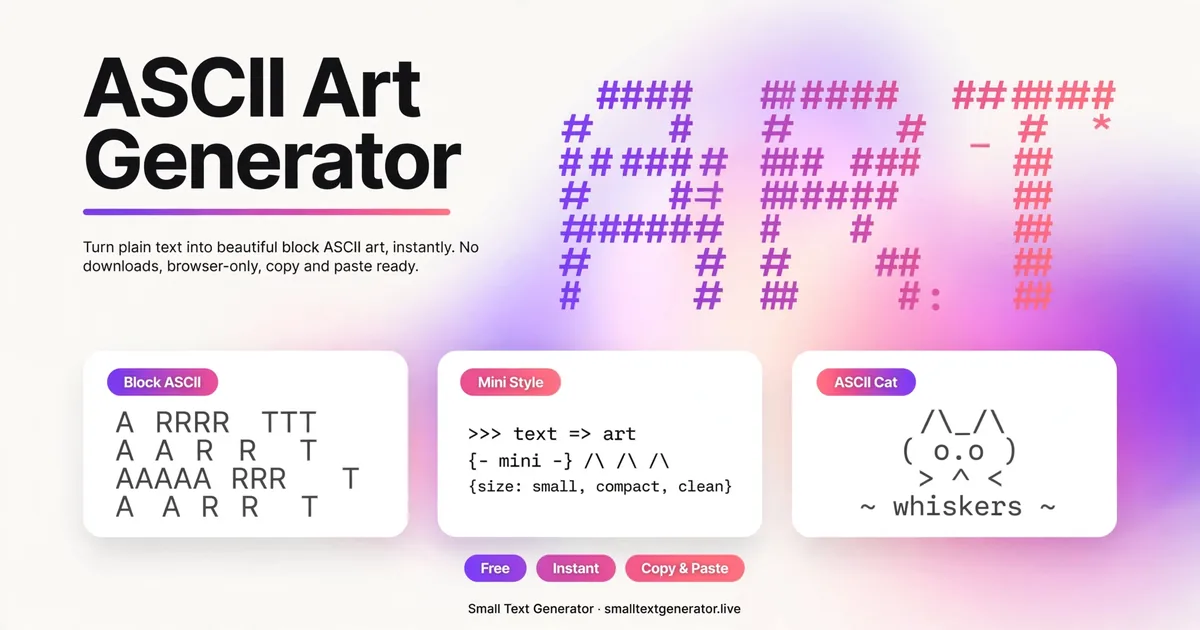
ASCII art turns ordinary words into pictures made of text characters: big block letters built from # symbols, the kind you see in Discord servers, Reddit comments, and old-school forum signatures.
Type your text below, choose a style, and copy the result. Because it is plain text, it works anywhere. No image upload needed.
What is ASCII art?
ASCII art is exactly what it sounds like: art made from the characters you can type. Before images were easy to share online, people on bulletin-board systems and early forums drew pictures, banners, and giant letters using nothing but keyboard symbols. Text banners are the simplest and most useful form: your words rendered large in block letters.
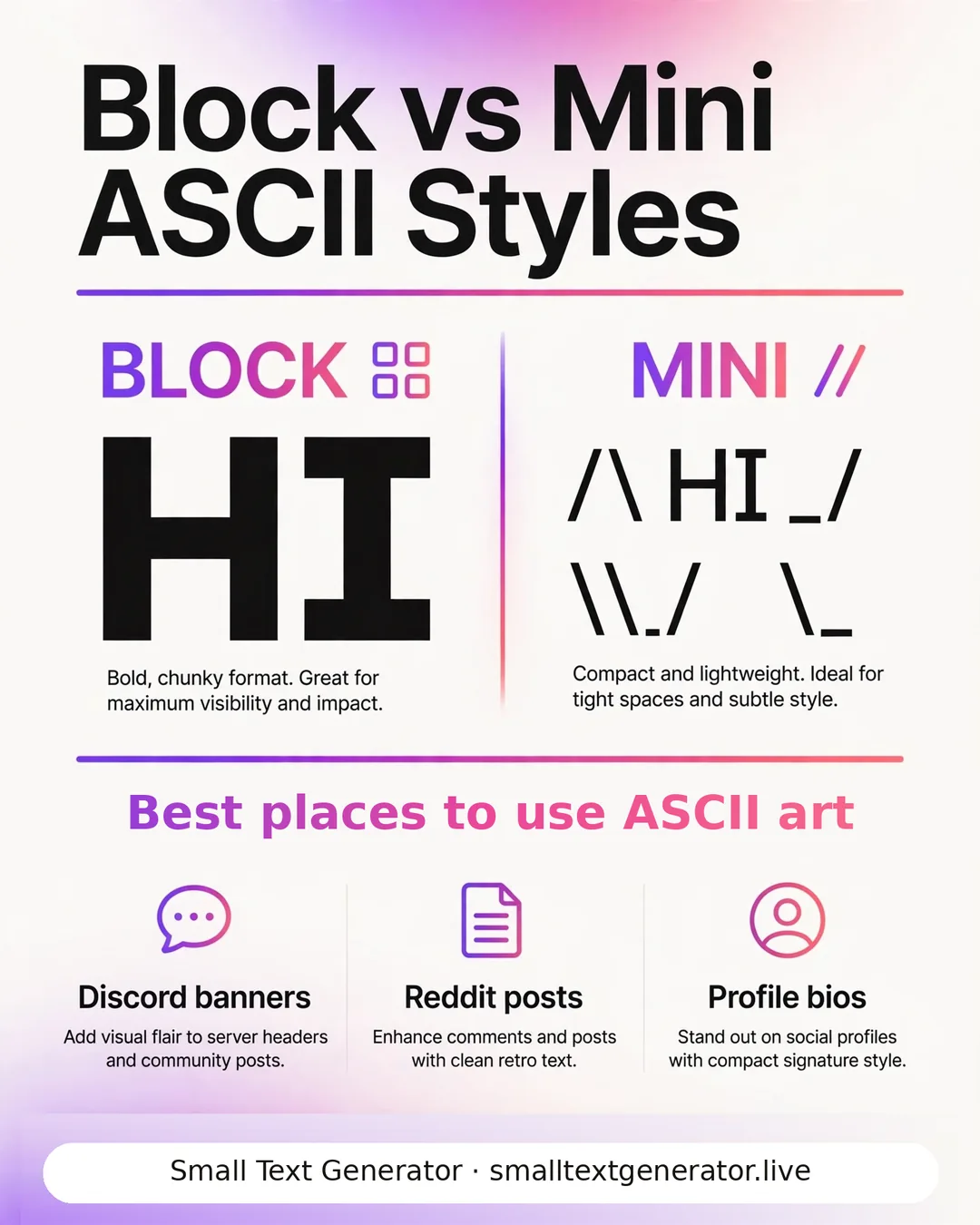
The generator on this page includes two original banner fonts drawn for this site: Block, a bold five-line style, and Mini, a compact three-line style for tighter spaces.
How to use the ASCII art generator
- Type your text in the box. Short words and names work best (long sentences get very wide).
- Pick Block for maximum impact or Mini for bios and comments.
- Hit Copy ASCII Art and paste it where you want it.
Use a monospaced context for best results: Discord code blocks (wrap your paste in triple backticks), Reddit, or plain-text files. In proportional fonts like Instagram's, the letters will not line up.
Where ASCII art works best
- Discord: paste inside triple-backtick code blocks so the columns align.
- Reddit and forums: signatures and standout comments.
- YouTube descriptions and comments: section dividers and channel banners in text form.
- Code and config files: project banners at the top of README files.
Avoid Instagram bios and TikTok captions for ASCII art. Those apps use proportional fonts, so block letters fall apart.
Frequently asked questions
What is an ASCII art generator?
An ASCII art generator converts your text into large banner letters drawn from keyboard characters like # and slashes. The output is plain text you can copy into Discord, Reddit, forums, and anywhere else that uses monospaced text.
Why does my ASCII art look broken on Instagram?
Instagram uses a proportional font where every letter has a different width, so the columns of ASCII art do not line up. ASCII art needs a monospaced font. Use Discord code blocks, Reddit, or a plain-text editor instead.
Is ASCII art free to use?
Yes. Everything you generate here is yours to use anywhere, no attribution needed.
What is the difference between Block and Mini styles?
Block is a bold five-line tall font for maximum impact; Mini is a compact three-line font that fits in tighter spaces like comments and bios.