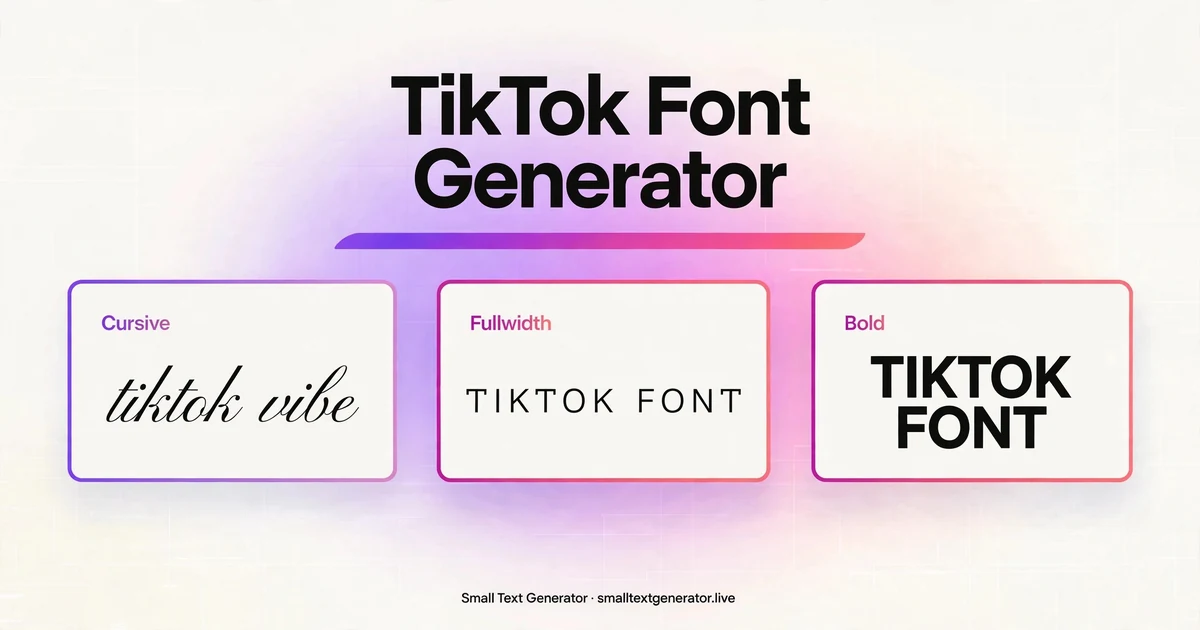
Your TikTok profile has about three seconds to convince someone to hit follow. A styled bio or nickname in bold, cursive, or aesthetic fullwidth text stands out in a sea of plain profiles, and it costs nothing to try.
This generator gives you 14 TikTok-friendly font styles. Type once, preview every style below, then copy your favorite and paste it into TikTok. No account, no download, no cost.
How to use TikTok fonts in your bio, captions, and nickname
TikTok has no built-in font picker, but it accepts Unicode text everywhere that matters. Here is how to style the three places that count:
- Step 1: Type your text in the box above and pick a style you like.
- Step 2: Click the Copy button on that style card.
- Step 3 (Bio): Open TikTok, go to your profile, tap Edit profile, then Bio, and paste. Bios cap at 80 characters, so keep it short.
- Step 4 (Nickname): In the same Edit profile screen, tap Nickname and paste your styled name. Nicknames can be changed every 7 days.
- Step 5 (Captions): When posting a video, paste styled text into the description, or drop it in comments to stand out.
Best font styles for TikTok
TikTok leans aesthetic and playful. These are the styles that perform best on the platform:
- Cursive (Script): The signature TikTok aesthetic. Flowing handwriting that dominates soft, lifestyle, and fashion bios.
- Fullwidth (Aesthetic): Wide-spaced aesthetic text. Hugely popular in bios and video captions.
- Bold: Heavy and readable on small screens. Great for hooks in captions and standout nicknames.
- Bubble: Round, playful circled letters. Perfect for cute, funny, and kid-friendly accounts.
- Gothic: Dark blackletter for alt, gaming, and edgy creators.
- Small Caps: Clean and compact, ideal for fitting more into the 80-character bio limit.
TikTok font limits to know
A few platform rules before you commit:
- 80-character bio: Bios are short. Styled characters count the same as plain ones, so every character matters.
- Usernames are strict: Your @handle only allows letters, numbers, underscores, and periods, and can only be changed every 30 days. Fancy fonts do not work there, so style your nickname instead.
- Nickname changes: Display nicknames can be updated every 7 days.
- Caption space: Video descriptions allow up to 2,200 characters, plenty of room for a styled hook line.
- Boxes on old devices: If a style shows as boxes, the device lacks that Unicode font. Bold, italic, and fullwidth have the widest support.

Frequently asked questions
Will TikTok ban me for using fancy fonts?
No. These are plain Unicode characters, not hacks. TikTok has no rule against styled bios, nicknames, or captions, and millions of creators already use them.
Can I use fancy fonts in my TikTok username?
No. TikTok restricts @usernames to letters, numbers, underscores, and periods. Use fancy fonts in your nickname (display name), bio, captions, and comments instead, where anything goes.
Why does my styled text show as boxes on some phones?
Boxes appear when a device lacks the font covering those Unicode characters. Most modern phones render these styles fine. For maximum compatibility, stick with bold, italic, or fullwidth. Ascii Art is pure text so it renders the same everywhere.
How often can I change my TikTok nickname?
Your display nickname can be changed every 7 days. Your @username can only be changed once every 30 days, so pick that one carefully.
Is this TikTok font generator free?
Yes. Everything on this page is free, works instantly in your browser, and needs no account or download.