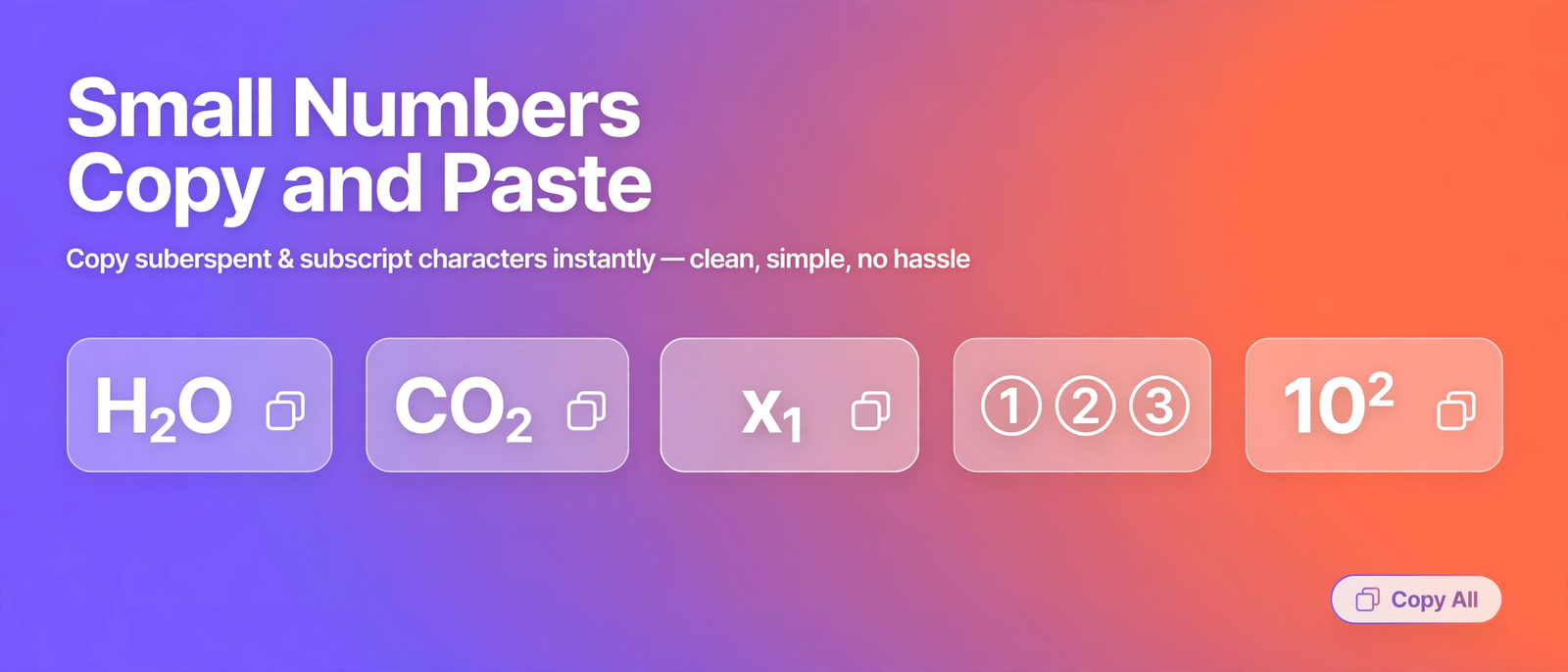
Small numbers show up in places keyboards were never designed for: the 2 in H2O, the 1 in x1, the numbered steps in a list. This page collects every small number style in one place, ready to copy and paste. No formatting menus, no special software, just click and paste.
What are small numbers in Unicode?
Unicode, the standard behind the characters on your screen, includes miniature digits in several styles. The most useful are subscript digits (₀ to ₉), which sit below the line, and superscript digits (⁰ to ⁹), which sit above it. There are also circled numbers (① to ⑳) for lists and steps. Because these are genuine characters and not visual formatting, they survive copying and pasting into any app that accepts text.
Subscript vs superscript numbers
| Style | Example | Used for |
|---|---|---|
| Subscript digits | H₂O, x₁, CO₂ | Chemistry formulas, math indices |
| Superscript digits | x², 10³, 1ˢᵗ | Powers, exponents, ordinals |
| Circled numbers | ① ② ③ | Numbered steps and lists |
The rule of thumb is simple: if the number counts atoms or labels a variable, it goes low (subscript). If it is a power or an order, it goes high (superscript).
Chemistry formulas made easy
Writing formulas with plain numbers, like H2O or CO2, is readable but looks unfinished. With subscript digits, the same formulas look right: H₂O for water, CO₂ for carbon dioxide, CH₄ for methane, NH₃ for ammonia, and C₆H₁₂O₆ for glucose. Copy any formula from the library above and paste it into homework, notes, or a science post.
Math indices and sequences
In math, small lowered numbers label terms in a sequence: x₁ is the first term, x₂ the second, aₙ the nth term. Subscript digits keep these labels compact and clear, which is why textbooks and papers use them. The library includes the most common indices so you never have to format them by hand.

How to write small numbers in Word and Google Docs
In Word, select the number and press Ctrl plus equals for subscript, or Ctrl plus Shift plus plus for superscript. In Google Docs, use Format, then Text, then Subscript or Superscript. On a phone, there is no built-in way to shrink a number, so copying from this page is the fastest route: copy here, paste into your app.
Why some small numbers are missing
Subscript digits are complete from 0 to 9, so numbers always convert cleanly. The converter on this page shrinks digits only, by design, so letters in your text stay normal size. If you also need small letters, use the subscript generator or superscript generator linked below, keeping in mind that Unicode subscript letters cover only a handful of characters (a, e, o, x, and a few more).
Frequently asked questions
What are small numbers in Unicode?
Small numbers are miniature digit characters in the Unicode standard: subscript digits (₀ to ₉) that sit below the line, superscript digits (⁰ to ⁹) that sit above it, and circled numbers (① to ⑳). They are real text, so they work anywhere plain text is accepted.
How do I write H2O with a small 2?
Copy the subscript 2 character (₂) from the library above and paste it after the H, giving H₂O. You can also type H2O into the converter on this page and copy the subscript result in one click.
What is the difference between subscript and superscript numbers?
Subscript numbers sit below the baseline and are used for chemistry formulas like H₂O and math indices like x₁. Superscript numbers sit above the baseline and are used for powers like x² and ordinals like 1ˢᵗ.
Why are some small numbers missing?
Subscript digits are complete from 0 to 9, so numbers are never a problem. The converter on this page shrinks digits only, by design, so letters stay normal size. For small letters, use the subscript or superscript generator linked below, keeping in mind that only a few subscript letters exist in Unicode.
Can I use small numbers in Word and Google Docs?
Yes. Paste them as plain text and they display correctly. You can also format numbers natively: in Word press Ctrl plus equals for subscript, and in Google Docs use Format, then Text, then Subscript.