 icle”>
You have seen them in Discord servers: giant block-letter banners spelling out a server name, a divider made of symbols, a welcome message rendered ten times larger than normal text. That is ASCII art, and making it look right on Discord comes down to one thing most people miss.
This guide shows you how to create ASCII text banners that line up perfectly, where to paste them, and the mistakes that make them fall apart.
The one rule: use code blocks
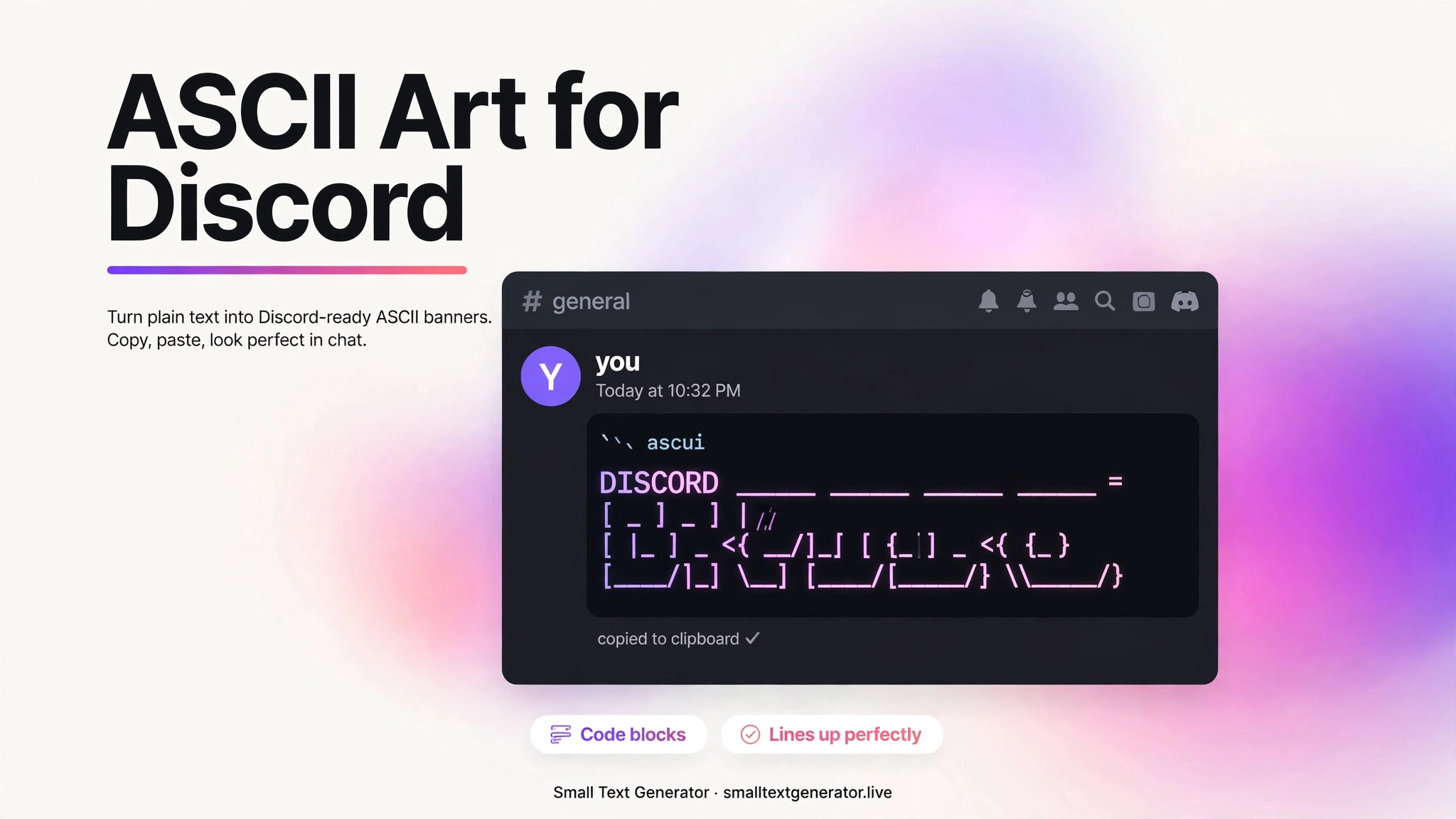
ASCII art only lines up in a monospaced font, where every character takes up the same width. Discord’s normal chat font is proportional, so a banner pasted as plain text will look broken. The fix takes two seconds: wrap your art in triple backticks.
Type three backticks, paste your art, then three more backticks. Discord renders everything between them in a monospaced block and your columns snap into place. This works in server channels, DMs, and even channel topics.
Make your banner
The fastest way is a generator. Our ASCII art generator turns any word into block letters in two original fonts: Block for big bold banners and Mini for tighter spaces like nicknames. Type your text, pick a style, and copy the result.
Keep banners short. One or two words render beautifully; a full sentence gets so wide that Discord users on phones have to scroll sideways, which ruins the effect.
Where banners work best on Discord
- Server welcome channels: a big WELCOME banner in a code block sets the tone immediately.
- Rules and info channels: use Mini-style banners as section headers. They are more distinctive than plain bold text.
- Nicknames: short Mini banners fit in the 32-character nickname limit.
- Custom status: keep it tiny. One Mini word is the most you can fit.
Mistakes that break your art
- Forgetting the code block. This causes nine out of ten broken banners.
- Mixing fonts. Do not combine ASCII art with bold or italic markdown inside the same block. It changes character widths.
- Going too wide. Test on a phone before you commit. If it scrolls sideways, shorten the text or switch to the Mini style.
- Trailing spaces. Some apps trim spaces at line ends, which can shift the last column. Our generator strips trailing spaces automatically.
Frequently asked questions
How do I make ASCII art stay aligned on Discord?
Wrap it in triple-backtick code blocks. Discord renders code blocks in a monospaced font where every character has equal width, which is what ASCII art needs to line up.
Why does my ASCII art look fine on desktop but broken on mobile?
Usually the banner is too wide for a phone screen, so it wraps or scrolls. Shorten the text or use a smaller style like Mini.
Can I use ASCII art in my Discord username?
Usernames do not support code blocks, so full banners will not align there. Short Mini-style text sometimes works, but styled Unicode from our cool text generator is a more reliable choice for names.
Is there a character limit for Discord messages with ASCII art?
Discord messages cap at 2,000 characters (4,000 with Nitro). A Block-style banner uses roughly 30 characters per letter per line, so plan accordingly.