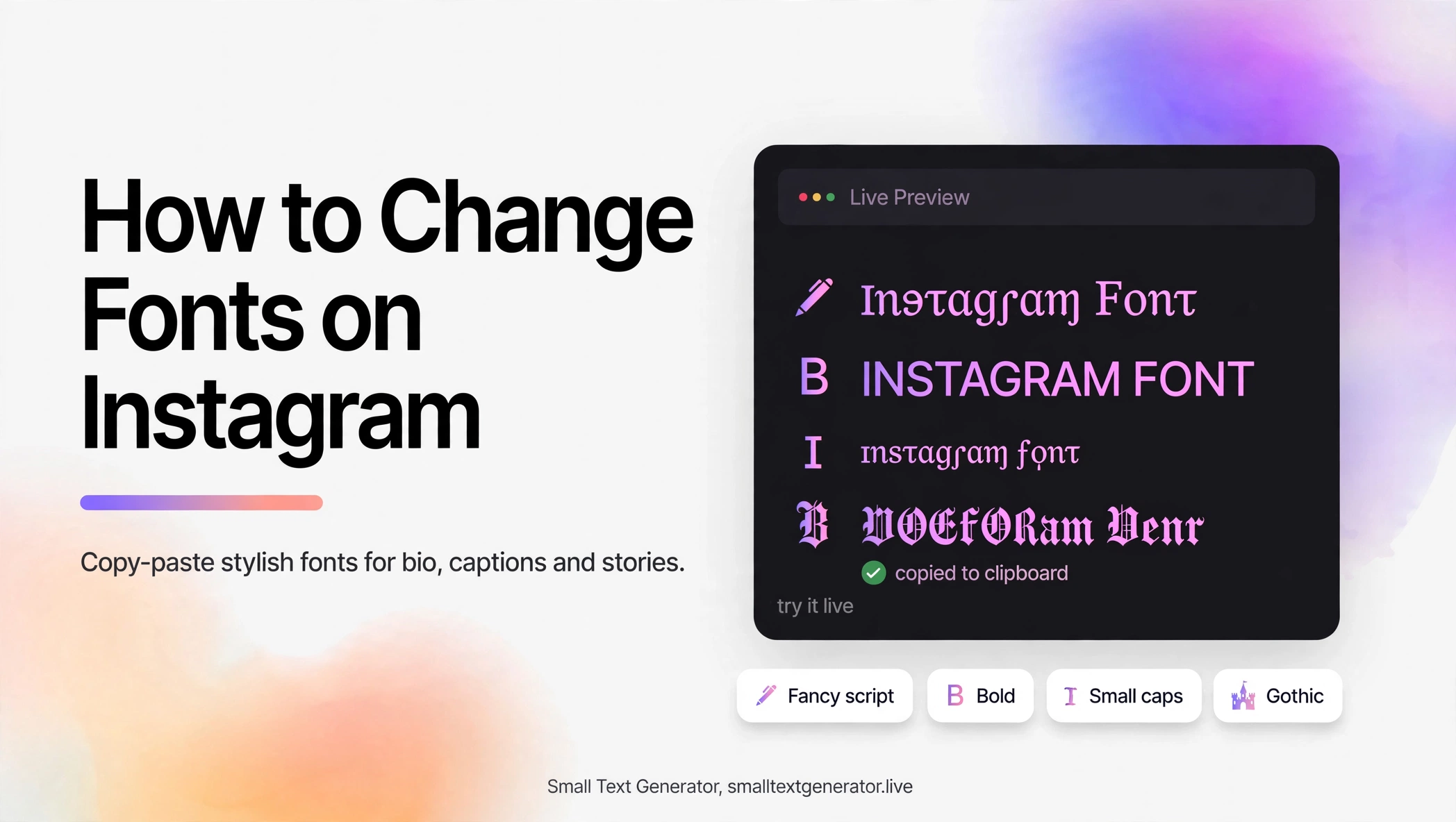
Here is the truth up front: Instagram does not have a font changer. There is no setting buried in the app that lets you switch your bio to a cursive or bold typeface. Every stylish bio you have ever admired was made with the same copy-paste trick this guide explains.
It takes about thirty seconds, works on iPhone and Android, and needs no extra app.
The method: Unicode, not fonts
What looks like a different font is actually a different set of Unicode characters. Your phone already knows thousands of alternate letter shapes: bold (𝐚𝐛𝐜), italic (𝑎𝑏𝑐), small caps (ᴀʙᴄ), bubble (ⓐⓑⓒ), and dozens more. A generator swaps your normal letters for these alternates, and because the result is still plain text, Instagram accepts it anywhere text goes.
Our Instagram font generator does the conversion instantly. Type your text, tap the style you like, hit copy, and paste it into Instagram.
Step by step: bio
- Open the generator and type your name or bio line.
- Pick a readable style. Bold and small caps work best for bios because they stay legible at small sizes.
- Tap copy, open Instagram, go to Edit Profile.
- Paste into the Name field, the bio box, or both. Save and check your profile.
Step by step: captions and stories
Captions: write your caption normally, but style the first line as a hook. One styled line grabs attention; a whole styled caption is hard to read and people skip it.
Stories: add a text box, paste your styled text. Bubble and gothic styles work well for short punchy words because stories are viewed for seconds.
Comments: small caps or bold help a comment stand out in a busy thread without looking like shouting.
What to avoid
- Do not style everything. If your whole bio is in gothic blackletter, nobody reads it. Style one or two lines maximum.
- Do not style contact info. Your email, location, and link labels should stay in plain text so they are easy to copy and read.
- Test on both phones. A style that looks perfect on your iPhone might render slightly differently on a friend’s Android. Check before you commit.
- Skip zalgo for bios. Glitch text in a bio looks broken more often than it looks cool.
Frequently asked questions
Can you actually change the font on Instagram?
Instagram offers no built-in font options. The workaround is Unicode text: generators convert your words into alternate Unicode characters that look like different fonts, which you copy and paste into your bio, captions, or stories.
Will stylish fonts hurt my Instagram reach?
No. Instagram’s algorithm does not penalize Unicode text. The only real risk is readability, so keep styled text short and scannable.
Do Instagram fonts work on both iPhone and Android?
Yes. The output is standard Unicode text, not an image or installed font, so it displays on both platforms and on desktop.
Why do some letters look normal after I paste?
Some Unicode style blocks do not include every letter. When a character has no styled version, it stays normal so your text remains complete.