Instant · No sign-up
Instant · No sign-up
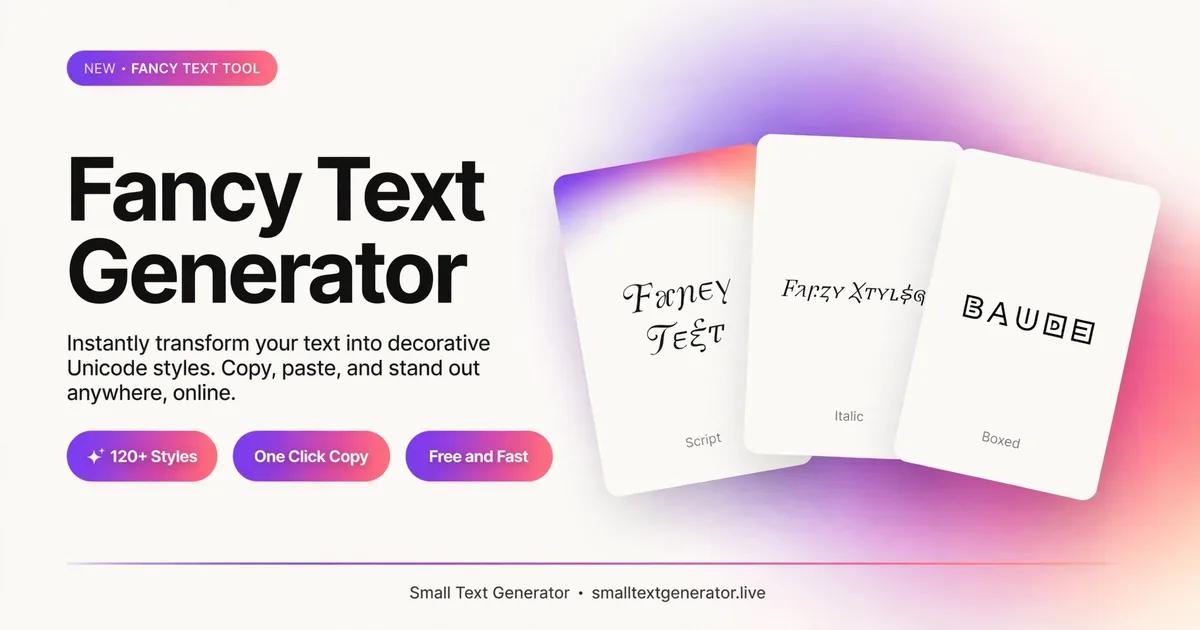
Type once, see it in 14 fancy Unicode styles at once — bold, script, gothic, bubble, double-struck, and more. Compare them side by side, then copy whichever one fits.
A fancy text generator does something slightly different from most of the single-style tools on this site: instead of converting your text into one alternate style, it runs the same input through a dozen-plus Unicode styles at once and shows you all of them side by side. It's the fastest way to browse what your text could look like before committing to a bold headline, a bubble-lettered username, or a gothic-looking display name — without opening a dozen separate tabs.
There's no single Unicode block called "fancy text." The term is really shorthand for a family of alternate Latin alphabets that Unicode happens to include — mathematical bold, italic, script, Fraktur (blackletter/gothic), double-struck, sans-serif, monospace, circled letters, and fullwidth characters, among others. Each of these was originally added to Unicode for a specific technical reason (mostly mathematical notation), not for decoration. Bold and italic math symbols exist so equations can distinguish variables from constants; double-struck letters like ℝ and ℕ are standard notation for number sets; Fraktur shows up in some German mathematical conventions.
What makes them useful here is a side effect of how they were built: because each style is a genuinely distinct set of Unicode code points — not a font applied to ordinary letters — the "fancy" version of your text is just as much real, copyable text as the plain version. Nothing is rendered as an image, and nothing requires the person reading it to have any particular font installed.
Most of the tools on this site — Bold, Cursive, Bubble Text, and so on — are built for a specific job: you already know you want bold text, so you go straight to the bold page. This page exists for the opposite situation: you know you want something that looks distinctive, but you haven't decided what yet. Type your text once, and every style updates at the same time, so you can compare a bold look against a script look against a circled look in a single glance, rather than retyping your text into tool after tool.
Under the hood, though, it's using the exact same Unicode mappings as the dedicated tools elsewhere on this site. If you find a style here you like, its individual generator page will usually give you more explanation of that specific style and its quirks — this page is built for browsing and comparing, not for going deep on any one style.
The most common use case by far is a name or short label rather than a paragraph: a display name on Discord or Instagram, a short bio line, a heading in a plain-text document, or a one-off caption that needs to stand out in a feed full of ordinary text. Fancy Unicode styles work well here because they're short — a handful of words in bold-script or double-struck letters reads as distinctive rather than exhausting.
Longer stretches of fancy text are much harder to read, especially the more decorative styles like script or Fraktur, where the letterforms depart further from what people are used to scanning quickly. If you're styling more than a sentence or two, it's usually worth sticking to a milder option — sans-serif or monospace read almost as easily as normal text, while circled letters or gothic script should be reserved for short bursts.
Because every style here is standard Unicode rather than a downloaded font, support is generally very good across modern phones, computers, and apps — but "generally very good" isn't the same as universal. A few things worth knowing before you commit to fancy text somewhere important:
None of this means fancy text is unreliable — it works correctly the overwhelming majority of the time — but if you're using it somewhere that absolutely cannot afford a rendering issue, it's worth pasting a test message first.
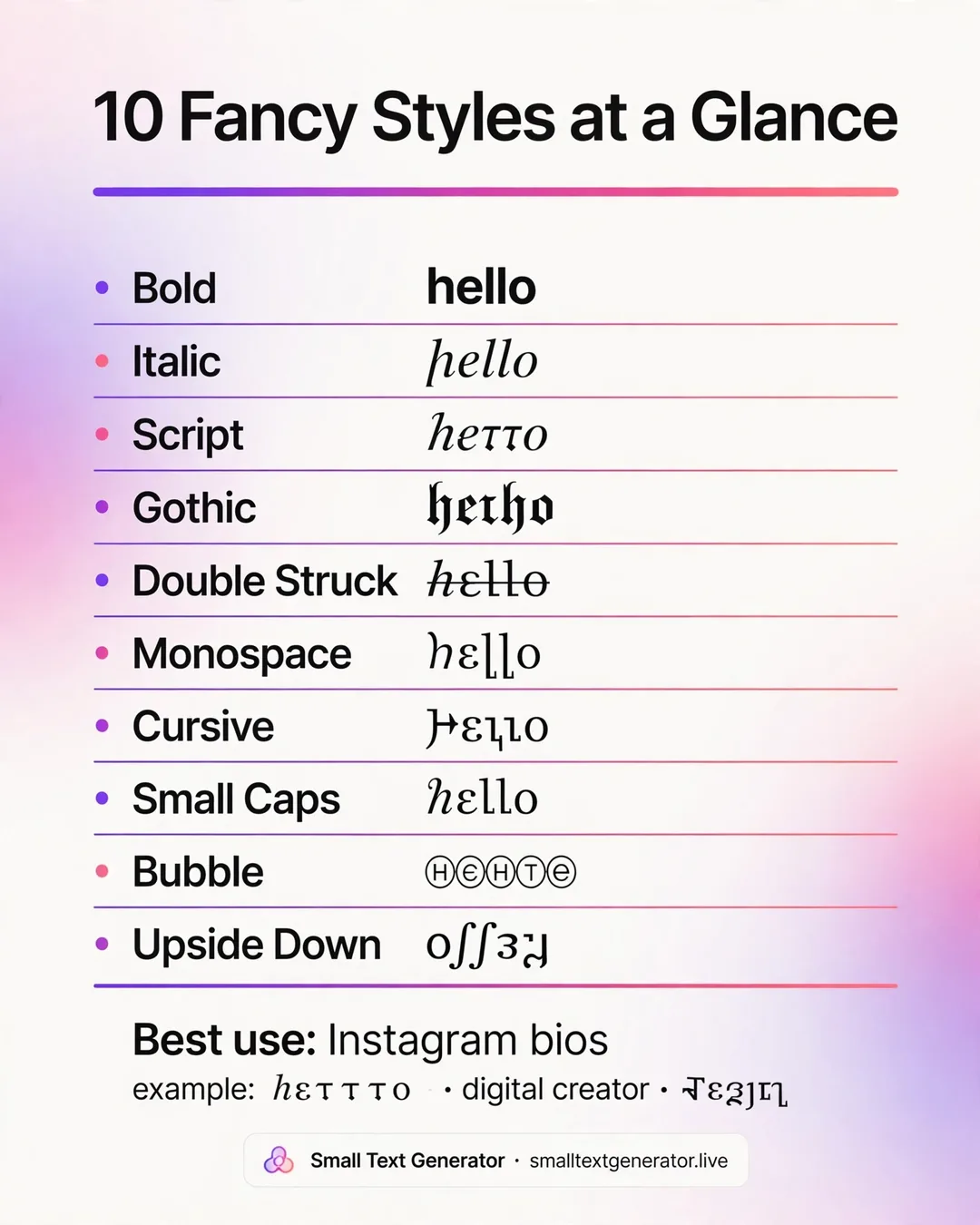
With more than a dozen options on this page, it helps to narrow things down by what you're actually trying to communicate:
No. Every style shown here is made of standard Unicode characters, not a font file. There's nothing to download or install — the styled text is just a different set of letters that any device with reasonably current font support can already display.
Different Unicode ranges were added to the standard at different times, and font support for newer or more obscure ranges (like Fraktur or double-struck letters) can lag behind more common ones like bold and italic on older devices. If a style shows boxes, try a more common one like bold, italic, or sans-serif instead.
Yes — copy the version you want for one word or phrase, then copy a different style for another part, and paste them together in your destination app. Unicode text doesn't care that different parts came from different styles.
Not reliably. Search engines generally treat styled Unicode characters as different characters from their plain equivalents, so fancy text in a page title or heading may not match searches for the plain-text version. Reserve fancy styling for social captions, bios, and display names rather than content you want to rank in search.
Most do, but not all — a handful of styles were only ever defined for letters, so numbers or punctuation in your input may stay in their normal form for those specific styles. This is a limitation of the Unicode standard itself, not an error in the conversion.
The Fancy Text Generator is a browsing tool as much as a converter: instead of committing to one single style, it shows your text rendered in a whole range of decorative Unicode alphabets at once, so you can scroll through the options and pick whichever one fits your mood. It pulls from scripts, symbol sets, and stylized letterforms scattered across Unicode, giving you a one-stop preview instead of visiting several separate generators.
People use it when they know they want something more interesting than plain text but have not decided exactly which look they want yet.
Unicode contains dozens of alternate alphabets, originally created for purposes ranging from mathematics to historic scripts to enclosed symbol sets, many of which happen to double as eye-catching decorative text. The generator runs your input through several of these mappings in parallel, producing a list of different styled versions of the same words, from script and Fraktur-like shapes to circled letters and spaced-out forms, all built from real, individually addressable Unicode characters.
Because every version is still plain text underneath, whichever one you choose behaves normally when copied, pasted, and reused elsewhere.
Type your name, word, or short phrase into the input box, and a list of styled variations appears below it. Scroll through the results, and when one catches your eye, use its copy button to place that specific version on your clipboard, then paste it into your bio, username, or caption. If you already know you want a specific single style like cursive or bubble text, the dedicated generators linked among related tools may be a faster route.
Because the results draw from many different Unicode ranges, compatibility varies slightly by style, but the vast majority render correctly on Instagram, TikTok, Discord, and most messaging apps used today. It works well anywhere you want a display name or short caption to visually stand out from the plain text around it in a feed or member list.
A few of the more unusual symbol-based styles may not display on very old devices or in platforms with strict username filters, so previewing the result before finalizing an important name is a good idea, especially for less common variations.
Because this generator surveys many different Unicode ranges at once rather than committing to one, the results draw on everything from the Mathematical Alphanumeric Symbols block to Enclosed Alphanumerics and beyond, essentially acting as a curated tour of Unicode's more decorative corners. This breadth is exactly what makes it useful as a discovery tool: rather than needing to already know the name of a specific style like Fraktur or double-struck, a user can simply scroll through visual options and learn what exists by seeing it applied to their own words.
New users to Unicode styling often start here specifically to browse options before settling on a favorite look for a permanent username. Content creators sometimes use the variety shown here to pick a different decorative style for each new video title or post, keeping their content visually fresh over time. It also works well as a quick way to compare two or three finalist styles side by side before committing to one for a business name or brand handle.
Because the styles shown vary widely in their underlying character blocks, accessibility behavior differs from one result to the next; some read cleanly to screen readers while more decorative options may not. When in doubt, favor the simpler, longer-established styles such as bold or italic over the more obscure symbol-based options if a name needs to remain easily understood by assistive technology or in restrictive input fields.
Since fancy text is not an installable font, none of the styles shown will appear as a selectable font inside apps like Word, Canva, or Photoshop; they only work by pasting the already-converted characters. Coverage for numbers, punctuation, and accented letters varies from style to style, since each underlying Unicode block was designed for different original purposes.
If one particular style in the list looks broken or shows placeholder boxes, try a different style from the same results instead, since compatibility depends on the specific character set used.
Since this tool shows several styles at once, it helps to shortlist two or three favorites first, then paste each one individually into the exact field you plan to use, comparing them directly in context rather than only inside the results list here. Viewing your shortlist side by side in the real destination, such as an actual bio field, often makes the right choice obvious in a way that comparing them abstractly does not.
Use Fancy Text Generator when you want to compare many looks quickly using the same input. Once you know exactly which style you prefer, switching to that style's dedicated generator, such as Cursive Font or Bubble Text, can make it quicker to fine-tune and reuse that specific look going forward.
Fancy Text Generator earns its keep as a starting point rather than a final destination, letting you sample a wide range of Unicode styles before settling on a favorite. Once you find the look you want, switching to that style's own dedicated generator is usually the smoother long-term choice for repeated use.
It converts your text into multiple decorative Unicode styles at once, including scripts, symbols, and stylized letters, so you can pick the look you like best.
Most social apps and games accept it since it is plain Unicode text, though a few strict platforms may filter out unusual characters.
No, it is made of standard Unicode symbols styled to look decorative, not an actual font file, so it works anywhere you can paste plain text.